
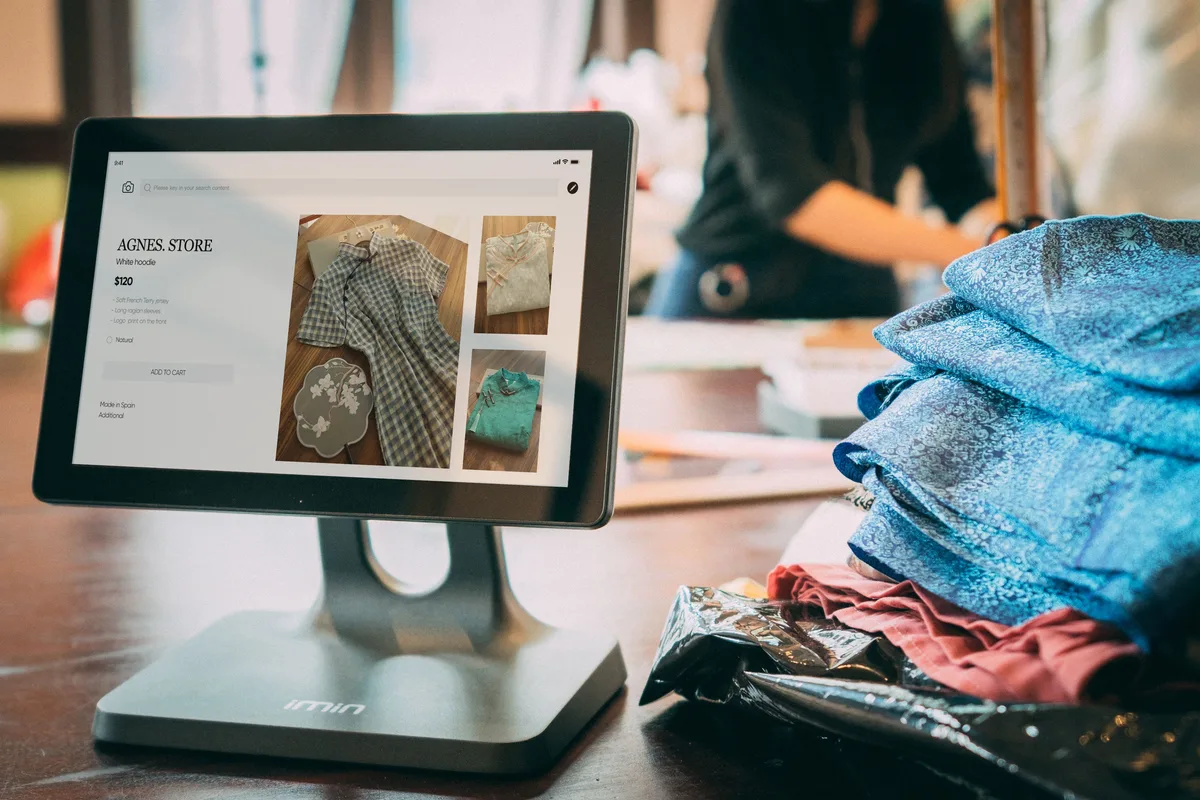
You ring up a sale on Shopee PH. Your stockroom count doesn’t move until someone updates it by hand, hours later, sometimes never. A sales and inventory system closes that gap: every sale, online or in person, deducts stock the moment it happens. Here is what it actually does and how to tell if you need one.
What Is a Sales and Inventory System?
A sales and inventory system is software that records every sale (from Shopee PH, Lazada PH, or a walk-in or COD transaction) and deducts the sold quantity from a shared stock count automatically. For Philippine sellers who sell across multiple channels or mix online and in-person sales, it replaces manual spreadsheet updates with sale-triggered stock tracking.
A sales and inventory system combines two functions that many small operations still run separately: recording what sold, and tracking what’s left. Every transaction (a Shopee PH order, a Lazada PH order, or a sale rung up in person or over Messenger) is logged as a sale record, and that record immediately reduces the stock count for the item sold.
The distinction matters because a sale and a stock deduction are really the same event, but many sellers still treat them as two separate steps: ring up the sale, then remember to update the inventory sheet later. A dedicated system removes the second step entirely. The deduction happens the moment the sale is recorded, not whenever someone gets around to the spreadsheet.
This matters most for Philippine sellers whose sales come from more than one source: Shopee PH, Lazada PH, TikTok Shop, plus in-person or COD sales to repeat customers. Without one shared stock count behind all of it, the same unit can get sold twice before anyone notices.
How Does a Sales and Inventory System Connect a Sale to Your Stock Count?
When a sale is recorded (through a marketplace order, a POS terminal, or a manual entry for a walk-in or COD sale), the system deducts that quantity from one central stock pool and updates the count everywhere the item is listed, typically within minutes.
The mechanics are the same regardless of where the sale happens:
- A sale is recorded: a buyer checks out on Shopee PH or through Lazada Seller Center, a customer pays at a POS terminal, or you manually log a COD sale after delivery.
- The system captures the sale details: item, quantity, price, and channel.
- It deducts that quantity from a central stock pool rather than from a single channel’s listing.
- The updated count pushes to every other connected listing (Lazada PH, TikTok Shop, your POS catalog), so nothing oversells.
The part that separates a true sales and inventory system from a marketplace-only sync tool is step 3 for non-marketplace sales. A tool that only watches Shopee PH and Lazada PH order webhooks has no way to register a sale that happens face-to-face or over COD; someone has to log it manually. A sales and inventory system gives you that manual entry point and treats it exactly like an online order: same stock pool, same deduction, same audit trail. For sync speed specifics across individual tools, see our inventory management software comparison.

What Happens Between a Sale and Fulfillment?
Once a sale is recorded, the system generates a packing reference tied to that specific order (item, quantity, and buyer details), so the person packing the parcel is working from the sale record, not a separate list.
Recording the sale is only the first half. The second half is turning that sale into a shipped parcel without re-typing the order into a different system.
In a connected sales and inventory system, the sale record itself becomes the packing reference. The packer sees the item and quantity sold, pulls it from the shelf location shown in the stock record, and labels the parcel against that same order, usually with a barcode or order number that ties the physical package back to the sale.
For Philippine sellers packing dozens of Shopee PH and Lazada PH orders during a campaign sale, this removes a common failure point: writing down or re-checking order details from a separate screen while packing, which is where wrong-item and short-pick errors creep in. When the sale record and the pack list are the same document, that gap closes.

What Sales and Stock Reports Does It Generate?
A sales and inventory system produces reports that neither a pure sales log nor a pure stock sheet can on its own: revenue and units sold per SKU, stock movement tied to specific sales, and reorder points informed by actual recent sales velocity rather than a flat estimate.
Because the sale and the stock deduction are the same record, the reporting can combine both sides in ways a standalone POS or a standalone inventory sheet cannot:
| Report Type | What It Shows | Why It Matters |
|---|---|---|
| Sales by SKU | Units and revenue sold per product, per channel | Identifies which products actually drive revenue, not just volume |
| Stock movement | Every deduction linked to the sale that caused it | Traces a discrepancy back to a specific order instead of guessing |
| Channel split | Sales and stock draw broken down by Shopee PH, Lazada PH, in-person | Shows which channel is depleting a SKU fastest |
| Velocity-based reorder | Suggested reorder point based on recent sales pace, not a fixed number | Adjusts automatically during campaign periods when sales pace changes |
Most Philippine sellers running under 200 SKUs get the most value from the first two report types on this list (sales-by-SKU and stock movement), since those directly answer “what’s selling” and “where did this stock go.” Velocity-based reorder points become more useful once a seller has enough sales history (typically a few months) for the pattern to be reliable.

What Should Philippine Sellers Check Before Choosing One?
The features that matter most are a manual entry point for walk-in or COD sales, PHP pricing that scales with order volume rather than a hard SKU cap, and reporting that shows revenue by SKU, not just stock counts.
Not every inventory tool markets itself as a “sales and inventory system,” but the category is really defined by whether a non-marketplace sale can be logged and deducted the same way as an online order. The DTI names inventory accuracy as one of the recurring operational gaps for Philippine micro and small ecommerce sellers. That gap mostly comes from sales getting recorded in one place and stock in another. When evaluating a tool, check for:
- Manual sale entry. Can you log a walk-in or COD sale directly, with the same stock deduction as a Shopee PH or Lazada PH order? Without this, in-person sales stay off your stock count.
- PHP pricing that fits your volume. Look for plans priced by order volume or SKU count rather than a flat enterprise rate, especially if your monthly order count is still under a few hundred.
- Revenue reporting, not just stock counts. A tool that only shows “units remaining” without tying that to what sold and for how much leaves you tracking profitability separately.
- Courier label generation. If the sale record can generate a shipping label directly, fulfillment stays inside one system instead of two.
For a side-by-side look at named tools against these criteria, our inventory management software comparison covers pricing in PHP and Shopee PH/Lazada PH integration quality for the main options Philippine sellers evaluate. If your stock only ever comes from marketplace orders and you don’t sell in person or via COD, a channel-sync-only tool (covered in our inventory mgmt system guide) may be all you need.
Frequently Asked Questions
What is a sales and inventory system?
A sales and inventory system is software that records sales from any channel (Shopee PH, Lazada PH, or in-person and COD transactions) and deducts the sold quantity from one shared stock count automatically. It combines what a standalone POS and a standalone inventory sheet each do separately.
Is a sales and inventory system the same as a POS system?
Not quite. A POS system’s core job is processing the transaction: ringing up the sale, taking payment. A sales and inventory system adds the stock side: every transaction the POS records also deducts from a shared inventory pool that’s synced with your online channels. Some POS tools include this; others only handle payment and leave inventory to a separate app.
Can I manually log a walk-in or COD sale and still have stock update automatically?
Yes, if the system supports manual sale entry. You record the item and quantity sold (the same way you would for an online order) and it deducts from the same central stock pool, keeping your Shopee PH and Lazada PH listings accurate even though the sale itself happened outside those channels.
How is a sales and inventory system different from an inventory management system?
An inventory management system focuses on syncing stock counts across sales channels as orders come in. A sales and inventory system does that plus captures the sale itself as a record (including in-person and COD sales that never pass through a marketplace) and reports on revenue and sales velocity alongside stock levels. See our inventory mgmt system guide for more on the channel-sync side specifically.
Do I need a sales and inventory system if I only sell on Shopee?
If every sale you make happens through Shopee PH (no in-person, no COD sales logged separately, no other marketplace), a channel-sync inventory tool covers your case. A sales and inventory system becomes worth the switch once you add a second sales channel, a physical selling point, or COD transactions that need to draw from the same stock as your online listings.