
Your Shopee dashboard shows 15 units available. Your warehouse shows 3 on the shelf.
That gap is a WMS system warehouse problem — not a software bug, but a physical operations gap. A WMS system (warehouse management system) closes that gap by controlling what happens inside your warehouse: where stock is stored, how staff pick it, and whether your digital count reflects physical reality.
Here is what that means in practice for an Indonesian ecommerce warehouse.
What Is a WMS System Warehouse?
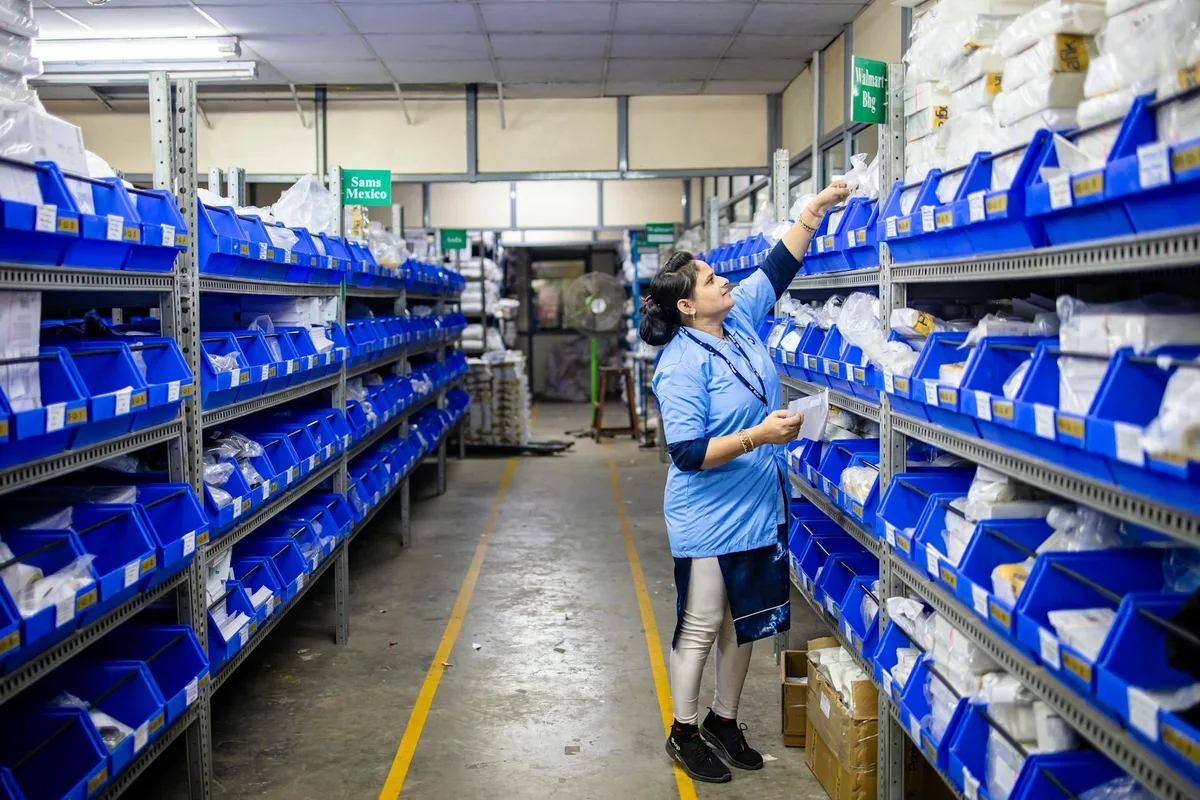
A WMS system warehouse is an environment where software controls every physical stock movement — from receiving at the dock to dispatch at the shipping bay. It assigns specific bin locations to every SKU, generates staff pick lists per order, tracks stock as it moves, and syncs count changes to connected sales channels. Indonesian sellers processing 80+ daily orders typically see 20-40% fewer picking errors after implementing structured WMS workflows, per published case studies from Ginee and Jubelio user communities.
The core distinction: a WMS management system is the software. A WMS system warehouse is what that software creates — a physical environment where every shelf, every SKU, and every staff action is tracked and directed.
Without WMS, a warehouse runs on informal systems. Staff remember where products are stored. Receiving is handled by whoever is available. Picking order depends on who is least busy. This works when you have 50 SKUs and 5 daily orders. It fails when you scale to 300 SKUs, 3 staff, and 100 orders per day.
The WMS system warehouse model replaces informal knowledge with documented structure. Every product has a bin address (for example, A2-R3-S1: Aisle A, Rack 2, Shelf 3, Slot 1). Every pick is directed by a generated list. Every received item is assigned a location before it touches the floor.
For Indonesian ecommerce sellers managing simultaneous Shopee, Tokopedia, and Lazada orders, this structure is what separates a warehouse that scales from one that collapses under Harbolnas volume.
How Does a WMS System Handle Receiving and Put-Away in Your Warehouse?
A WMS system handles receiving by scanning inbound items against purchase orders, flagging discrepancies before goods are shelved, and assigning each SKU a specific bin location based on pick frequency or storage category. This eliminates the common problem of received stock sitting in unmarked staging areas for hours — a pattern that causes inventory count errors when orders arrive before put-away is complete.
Receiving is where most warehouse stock errors begin. Supplier ships 100 units; receiving staff count 97; only 90 make it to a named shelf location before orders start coming in. The gap between those three numbers is where discrepancies enter your system.
A WMS system warehouse handles receiving in two phases:
Phase 1: Inbound verification. When a delivery arrives, warehouse staff scan each item against a pre-loaded purchase order in the WMS. The system flags quantity mismatches immediately — no waiting until a weekly stock count to discover the supplier shorted you 3 units.
Phase 2: Put-away assignment. After verification, the WMS assigns each SKU a bin location. Fast-moving products (your top 20% by order volume) go in the most accessible bins, closest to the packing station. Slow-movers go in upper or rear shelves. The system makes this calculation — staff just follow the put-away list.
Ginee and Jubelio both support this receive-and-assign workflow. Ginee handles it through its warehouse module with barcode scanning. Jubelio adds purchase order integration, so received quantities are matched against what you actually ordered before anything is shelved.

For Indonesian sellers dealing with supplier deliveries that arrive late, in parts, or without advance notice, the WMS receiving workflow creates the paper trail needed to dispute short deliveries without relying on memory.
How Does a WMS System Optimize Pick, Pack, and Dispatch?
A WMS system optimizes pick-pack by converting each customer order into a specific, sequenced pick list that routes staff through the warehouse efficiently. Instead of walking the full warehouse for each order, staff follow a zone-based or batch route — picking multiple orders per walk. Indonesian sellers using Jubelio’s batch pick feature report average pick time reductions of 25-35% during normal operations, per Jubelio documentation and seller community reports.
Picking is the most time-intensive part of warehouse operations and the one most prone to errors. A WMS system warehouse solves both problems with directed picking.
Single-order picking sends staff to pick one order at a time, following the bin sequence the WMS generates. Staff no longer need to know where anything is — the list tells them the exact location, quantity, and SKU for each item. This alone eliminates the most common picking error: pulling the wrong variant because two SKUs look similar on the same shelf.
Batch picking is the WMS approach that matters most during Harbolnas, 12.12, and other peak campaigns. Instead of picking one order, then walking back to the packing station, staff pick 10-20 orders per warehouse walk. The WMS groups orders by pick zone so that the route is efficient. Items are sorted at the packing station by order number.
After picking, the WMS generates packing instructions: which box size, which courier label, which special handling notes. Staff pack according to the WMS screen — reducing the “wrong item, right box” errors that generate return requests.
At dispatch, the WMS triggers the courier pickup request (for platforms integrated with J&T Express, JNE, SiCepat, and similar services) and marks the order as shipped across all connected channels simultaneously.
Not sure which WMS system fits your warehouse size and order volume? Use the WMS comparison guide for Indonesian sellers to match features to your operation.
How Does a WMS System Track Bin Locations and Prevent Stock Discrepancies?
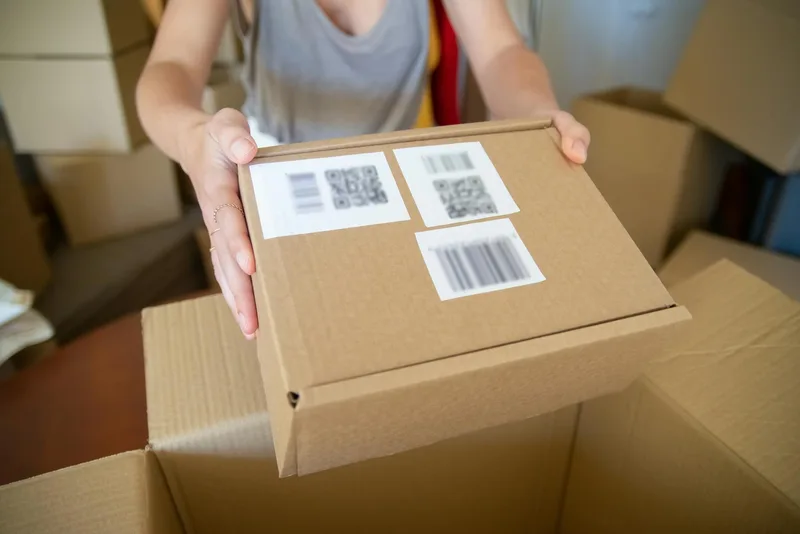
A WMS system tracks bin locations by recording every stock movement as a transaction: receiving, put-away, picking, replenishment, and cycle counting. This transaction log is what makes real-time inventory counts accurate. Sellers who move from spreadsheet tracking to WMS bin management typically eliminate the 3-8% stock variance that accumulates across multi-channel operations, based on seller community reports from the Ginee and Tokopedia seller forums.
The most visible problem in a warehouse without WMS is the negative-stock scenario: a customer orders a product, staff pick it, and then the system shows -1. This happens when the physical count and the system count diverge — usually because a stock movement was not recorded.
A WMS system warehouse prevents this by making every movement a recorded transaction. When staff pick an item from Bin A2-R3-S1, the WMS deducts it from that bin instantly. When a return arrives and goes back to a bin, the WMS adds it. When a supplier restocks the bin, the receiving workflow updates it.
The result is a bin-level transaction log — a record of every stock movement with timestamp, staff ID, and quantity. This log is what makes cycle counting useful: instead of counting the full warehouse, you count the bins the WMS flags as high-risk (high-velocity bins that had multiple picks since the last count).
For Indonesian sellers managing inventory across Shopee, Tokopedia, and Lazada simultaneously, the WMS bin log is also the source of truth when a channel disputes an oversell claim. You can show exactly when the last unit was picked, by whom, against which order.
| WMS Feature | Without WMS | With WMS |
|---|---|---|
| Bin location tracking | Manual labels or memory | System-assigned, scannable addresses |
| Stock count accuracy | 92-97% (estimated 3-8% variance) | 98-99.5% with regular cycle counting |
| Pick error rate | 2-5% of orders | Under 1% with directed picking |
| Receiving discrepancies | Discovered at weekly count | Flagged at receiving (real-time) |
| Harbolnas peak capacity | Limited by staff memory | Scales with batch pick and wave planning |
Data: estimated ranges based on seller community reports from Ginee and Jubelio user forums; individual results vary by operation size and implementation quality.

Which WMS Systems Work Best for Indonesian Ecommerce Warehouses?
For Indonesian ecommerce warehouses, the four WMS-capable platforms with direct Shopee, Tokopedia, and Lazada integration are Ginee, Jubelio, Sellercraft, and Anchanto. Each fits a different warehouse size and complexity. Ginee suits 1-3 staff warehouses under 2,000 SKUs. Jubelio scales to multi-warehouse operations. Sellercraft focuses on deep marketplace sync. Anchanto serves larger operations with 500+ daily orders, with pricing starting at IDR 5,000,000+ per month.
The WMS systems available in Indonesia span a wide range of warehouse complexity. Here is how the main options map to warehouse operations specifically:
Ginee is the most widely adopted platform for Indonesian ecommerce sellers in the 50-2,000 SKU range. Its warehouse module supports bin location assignment, barcode scanning for receiving and picking, and real-time sync to Shopee, Tokopedia, Lazada, and TikTok Shop. The free tier covers up to 100 orders per month — sufficient for testing the bin management workflow before committing. Paid plans start at IDR 199,000 per month (per Ginee’s published pricing as of early 2026).
Jubelio is the strongest option for sellers running 2+ warehouses or managing large SKU catalogs with complex variants. Its warehouse module includes wave planning, batch pick lists, and cross-warehouse transfer workflows. Pricing starts at IDR 499,000 per month for a single warehouse, scaling by order volume and warehouse count (per Jubelio’s published pricing).
Sellercraft suits sellers who prioritize marketplace sync depth over warehouse workflow complexity. Its WMS features cover bin assignment and pick lists, but its standout capability is channel sync speed — useful for sellers running frequent flash sales where stock accuracy across channels matters in real time. Pricing available on request.
Anchanto is designed for operations processing 500+ daily orders with dedicated warehouse staff. It supports multi-zone pick-pack workflows, returns management, and 3PL integration. Pricing starts at IDR 5,000,000+ per month, which is cost-justified only for sellers at significant scale.
For most Indonesian ecommerce warehouses — 1-5 staff, 100-500 daily orders, 500-5,000 SKUs — Ginee or Jubelio covers the WMS system warehouse requirements. Start with Ginee if you are implementing bin management for the first time. Move to Jubelio if you need multi-warehouse control or advanced batch picking.
Frequently Asked Questions
What does a WMS system do in a warehouse?
A WMS system controls the physical movement of goods inside a warehouse: assigning bin locations, directing staff during receiving, generating pick lists, managing packing workflows, and triggering dispatch. It replaces informal shelf labels and verbal instructions with a system that tracks every item from arrival to shipment, reducing picking errors by 20-40% according to published case studies from Ginee and Jubelio user communities.
Which WMS system works for Indonesian ecommerce warehouses?
Ginee, Jubelio, and Sellercraft are the most widely-used WMS-capable systems for Indonesian ecommerce warehouses. Ginee suits sellers with up to 5,000 SKUs on Shopee and Tokopedia. Jubelio works well for multi-warehouse operations. Sellercraft fits sellers who need strong Lazada and Shopee sync with detailed picking workflows. Anchanto serves larger operations with 500+ daily orders.
When does an ecommerce warehouse need a WMS system?
An ecommerce warehouse needs a WMS system when it processes 80+ orders daily, holds 300+ SKUs, or employs 2+ warehouse staff. Below these thresholds, a basic inventory app or spreadsheet is usually sufficient. The clearest signal is recurring picking errors, stock discrepancies between your system and physical count, or staff spending more than 30 minutes locating items during peak hours.
How does a WMS system handle Harbolnas peak season in Indonesian warehouses?
A WMS system handles Harbolnas peak season by enabling batch picking and wave planning — grouping multiple orders by pick zone so staff walk the same aisle once instead of repeatedly. This reduces pick time per order. Platforms like Jubelio and Anchanto support batch pick lists during high-volume periods, which is essential when daily order volume can triple or quadruple during Harbolnas campaigns.
Can a WMS system integrate with Shopee, Tokopedia, and Lazada?
Yes. The main WMS-capable platforms in Indonesia — Ginee, Jubelio, Sellercraft, and Anchanto — integrate directly with Shopee, Tokopedia, and Lazada. Most also support TikTok Shop and Bukalapak. Sync intervals vary by platform tier; confirm the actual update frequency with a test account before committing, especially if you run time-sensitive flash sales on multiple channels simultaneously.