
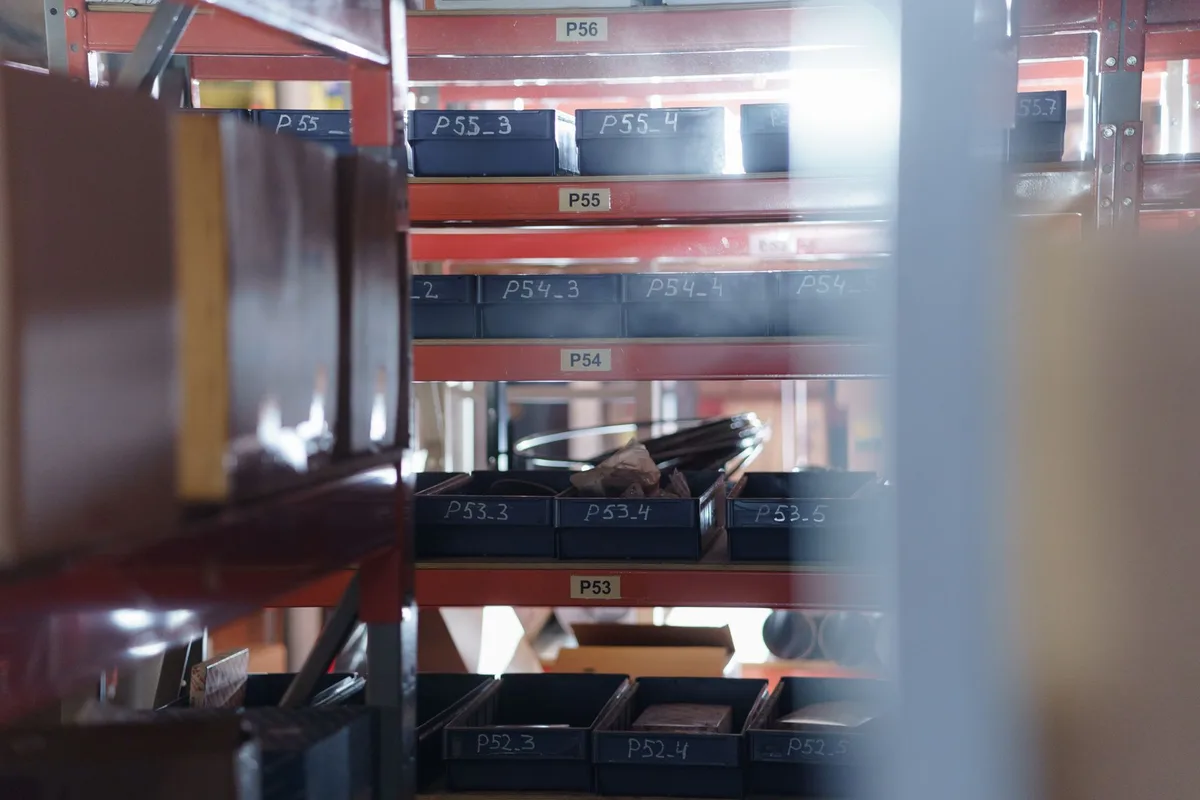
It is the last day of the month. Your stock sheet says 120 units. The shelf holds 112. Nobody can say when the gap opened.
Inventory keeping software gives you the trail. It logs every stock change with a date, a reason and a name, so a wrong count becomes something you can trace.
What Is Inventory Keeping Software?
Inventory keeping software is a system that records every change to your stock: what came in, what went out, when, why and who did it. It keeps the record and a running count for each product. It does not decide what to buy. That is a separate job, though many tools bundle both.
Wikipedia describes inventory management software as software used to record, track, and manage inventory levels, orders, sales, deliveries, and related stock movements. “Record” comes first in that list, and the rest depend on it.
The paper version has a name in Indonesian: the kartu stok (stock card). One card per product, with a line for every unit in and every unit out. Inventory keeping software is that card for every product, filled in as orders arrive.
A paper card only shows what someone remembered to write. The software writes the line when the order lands, the parcel ships or the return is checked in, across Shopee, Lazada and TikTok Shop.

Three jobs often get lumped together:
| Job | Question it answers | Where it lives |
|---|---|---|
| Keeping records | What changed in my stock, when and why? | Inventory keeping software, a stock card or a spreadsheet |
| Managing stock | What should I reorder, and when? | Reorder points, sales history, a reorder point calculator |
| Running a warehouse | Which bin holds it, and who picks it? | A WMS |
Test the first job hardest. A wrong record makes every reorder alert built on it wrong too.
What Records Does Inventory Keeping Software Keep?
A working system keeps five records for every product: the product record, the movement log, the purchase cost, the supplier trail and the count history. Each answers a different question when your numbers stop matching. If a tool skips one, that question has no answer.
| Record | What it holds | Question it answers |
|---|---|---|
| Product record | One code, name, variant and barcode per product | Are these two store listings the same product? |
| Movement log | Every sale, return, delivery, transfer and adjustment, with date, reason and user | Where did those units go last Tuesday? |
| Purchase cost | The price you paid per unit on each delivery | What is my stock worth, and what did this sale cost me? |
| Supplier trail | Purchase orders, expected dates and quantities received | Did the supplier ship what I ordered? |
| Count history | Each stok opname (stock take): counted number next to system number | When did a gap start, and which products drift? |
Product record. Everything hangs on one code per product. If a black shirt in size L is KAOS-HTM-L on Shopee and HITAM-L-01 on Lazada, the software sees two products with two counts. Jubelio’s homepage lists a Visual Matching feature that merges duplicate products into a master SKU. Cleaner codes mean less merging, and the SKU generator helps you settle on one format. If you sell items that expire or carry serial numbers, check the tool tracks batches or serial numbers. Zoho Inventory and Odoo both list this.
Movement log. Every change gets a line: date, product, quantity in or out, reason and user. A spreadsheet handles this worst, because it shows the last number typed and forgets how it got there. Give reasons a fixed list: sale, return, failed COD parcel, damaged, sample, miscount. A change with no reason is where an audit stalls.
The other three records fill in as you receive goods and count stock. The next sections show how.
How Do You Fix a Count That Is Wrong?
Do not overwrite the number. Count the shelf, post an adjustment with a reason, then read the movement log back to the last clean count. The log shows where the gap opened, so you fix the cause and not just the figure. Gaps that repeat on one product point to a habit worth changing.
Mismatches are normal. Software records what was entered. It cannot see a wrong item in a parcel, a return nobody booked in, or a unit that broke on the shelf. Here is the routine:
- Count the shelf first, without looking at the system number if you can.
- Post an adjustment, not an overwrite. The log then shows the old number, the new number and the gap.
- Pick a reason from your fixed list. Damaged, lost, sample, return checked in, miscount.
- Read the log back to the last time the count matched. Look for cancelled orders that never released stock, returns nobody booked in, and orders shipped under the wrong code.
- Fix the cause. If wrong-item packing is the cause, add a scan or a second check at the packing table.

Odoo’s page lists cycle counting: counting a slice of your range on a rolling basis, not the whole shelf at once. Count your fastest sellers most often. A failed COD parcel that comes back should rejoin stock only after you check the item. The inventory mgmt system guide covers how returns are booked.
What Does Good Record-Keeping Do for Your Accounts and Tax?
Stock records feed your accounts: the cost of what you sell and the value of what is left both come from them. Indonesian income tax law allows only average and first-in-first-out (FIFO) valuation, per DDTC News, and the tax office (DJP) says the records behind your books must be kept for 10 years.
Three things connect your stock record to your tax return.
Costing method. To value stock and work out the cost of goods sold, you need a rule for which purchase price a sold unit carries. FIFO assumes the oldest units sell first. Average blends your purchase prices. DDTC News notes that the income tax law allows only these two, not LIFO, and that a taxpayer who picks one must keep using it in later years. Odoo’s page lists LIFO and standard price valuation too, so a method in the tool does not mean your return can use it. Ask your accountant which one you file under before you set up the tool.
Unit cost. Both methods run on the purchase price of each delivery. Enter the price per unit when you receive goods, not once a year.
Retention. A DJP news item cites Article 28(11) of the tax procedures law (UU KUP): books, documents or records that form the basis of your bookkeeping must be kept for 10 years in Indonesia. Whether a stock report counts is a question for your accountant. Software gives you a dated log you can export years later. A paper card can be lost in a move.
This is general information, not tax advice. Confirm the rules for your business with your accountant.
Which Inventory Keeping Software Can Indonesian Sellers Use?
Indonesian sellers usually choose between four routes: the marketplace dashboard, a multi-channel tool such as Jubelio, Ginee or Sellercraft, a global suite such as Zoho Inventory or Odoo, or a spreadsheet. Choose by the records you must keep, not by the length of the feature list.
| Route | Examples | Keeps well | Check before you pay |
|---|---|---|---|
| Marketplace dashboard | Shopee Seller Centre | Stock on its own platform only | Nothing joins it to your other stores |
| Multi-channel tool | Jubelio, Ginee, Sellercraft | Orders and stock across marketplaces in one place | Which stores connect in Indonesia, how price grows with orders, log export |
| Global suite | Zoho Inventory, Odoo Inventory | Batches, serial numbers, valuation methods, user roles | Marketplace connectors in Indonesia, and whether the valuation method suits Indonesian tax |
| Spreadsheet | Google Sheets, Excel | A small range on one or two stores | Shows the last number typed, no dated trail unless you build one |
Jubelio prices by order. Its pricing page lists Rp150 per order processed, with terms and conditions applying, and lists unlimited SKUs, users and locations. At that rate, 1,000 orders in a month comes to Rp150,000 before tax and extras. Divide the fee by your profit per order before you commit.
The Zoho Inventory pricing we read is in US dollars, with a free plan capped at 50 orders a month for one user, so check the plan for your region. Sellercraft says orders and stock flow across Shopee, Lazada, TikTok Shop and WooCommerce, with Basic and Advance plans. We read these figures from each vendor’s own page in September 2026, so confirm them before you pay.
For a tool-by-tool look, including Ginee and Anchanto, read the software inventory guide. Wondering whether you have outgrown a spreadsheet? See the system inventory guide.
How Do You Start Keeping Clean Records?
Start with a clean product list, a real count and unit costs, because those become the first lines of your record. Then set reasons and permissions, connect one store at a time and test with a real order. A wrong start stays wrong in every report built on it.
- Fix your product codes. One code per product, the same on every store, in a fixed format such as type, colour, size.
- Do a full count. Count every product on the shelf. This is your opening balance, the first line in the record.
- Enter the unit cost. Use your latest supplier invoice for each product. If the tool lets you choose a costing method, set the one your accountant files under.
- Set reasons and permissions. Load your fixed reason list. Let staff record sales and receipts, and keep adjustments for one or two trusted people. Zoho Inventory lists customizable roles and permissions, so check your tool can limit who edits stock.
- Import, then connect one store at a time. Resolve every mismatch the tool flags. Place a test order and confirm the count drops and the log shows the line. Cancel it and confirm the unit comes back.
- Recount and compare. Count fast sellers most often. Once a month, set the software’s stock value next to your accountant’s figure. A gap means a missing cost or a missing movement.
Tidy the product list in a spreadsheet first, then bring it into the tool. Once the record is trustworthy, set reorder points with the reorder point calculator. For sync on campaign days, see the inventory stock software guide.
Frequently Asked Questions
What is inventory keeping software?
It is software that records every change to your stock, with a date, a reason and a user, and keeps a running count for each product. For a marketplace seller, it can also feed that count to each store. It keeps the record. Deciding what to reorder is a separate job, though many tools bundle both.
How much does inventory keeping software cost in Indonesia?
It depends on how the vendor charges. Jubelio’s pricing page lists Rp150 per order processed, with terms applying, so 1,000 orders in a month comes to Rp150,000 before tax and extras. Zoho Inventory publishes plans in US dollars. Confirm current prices on each vendor’s own page, because they change.
How long should I keep my stock records in Indonesia?
The tax office (DJP) cites Article 28(11) of the tax procedures law: books, documents or records that form the basis of your bookkeeping must be kept for 10 years in Indonesia. Ask your accountant whether your stock reports count. Export your log each year, so the history does not depend on one login.
Keep Reading
- Inventory Stock Software: What It Tracks and How to Choose One in Indonesia: the four stock numbers and reorder alerts
- Inventory Mgmt System: A Guide for Indonesian Sellers: purchases, returns and failed COD orders
- System Inventory: How It Works for Indonesian Sellers: when a spreadsheet stops being enough
- Ecommerce Inventory Management for Indonesian Sellers: the full hub for stock control and channel sync