
Your Shopee MY order just failed to ship. The picker couldn’t find the product — it’s somewhere in the warehouse but no one knows which bin.
Three orders have the same problem. This is warehouse management without a system.
WMS warehouse management solves it: every product has a location, every order has a pick list, every movement is tracked.
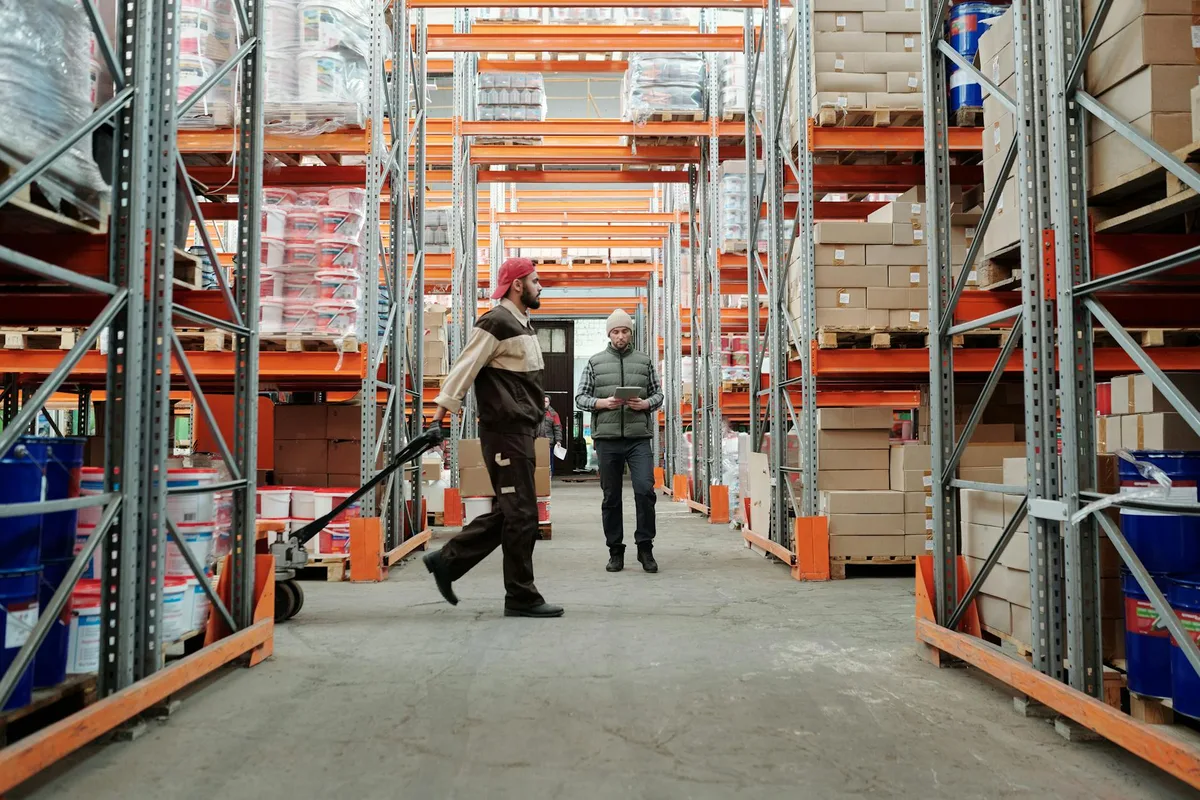
What Is WMS Warehouse Management?
WMS warehouse management is the set of processes a warehouse management system (WMS) uses to control the physical movement of stock — from inbound receiving through outbound shipping. It assigns storage locations, generates pick lists, and records every stock movement. Based on case studies published across WMS vendor documentation including Zebra Technologies and Honeywell, structured WMS picking typically reduces fulfillment error rates by 60–80% compared to paper-based systems.
A WMS — warehouse management system — is software that manages everything that happens inside your warehouse walls.
In Malaysian ecommerce, “WMS warehouse management” describes both the software and the process discipline it enforces. Without a WMS, warehouse management runs on memory and spreadsheets. Your team knows where Product A usually goes — until someone moves it. Until stock comes in on a busy day and gets stacked wherever there’s space. Until you’re running 500 daily orders across Shopee MY and Lazada MY and your error rate is making returns expensive.
A WMS warehouse management system does four things:
- Assigns every product a location — bin, shelf, row, zone
- Generates pick lists — tells pickers exactly where to go and in what sequence
- Records every movement — goods receipt, putaway, pick, pack, return
- Syncs stock levels — updates your marketplace listings when stock moves
The result: your warehouse operates like a documented system, not tribal knowledge.
For a broader comparison of WMS tools available for Malaysian sellers, see our guide to warehouse management systems for Malaysian ecommerce.
How Does a WMS Handle Inbound Receiving and Putaway?
Inbound receiving and putaway are the first two steps in WMS warehouse management. When a supplier delivery arrives, the WMS generates a goods receipt note, prompts staff to scan each item, verifies quantities against the purchase order, and assigns a storage location. This eliminates the manual counting gaps that typically cause 2–4% inventory discrepancies per cycle in paper-based operations, based on inventory management benchmarks published by the GS1 standards body.
Receiving is where warehouse management either starts right or starts wrong.
Without a WMS, staff count cartons by hand, record on paper, and file the document somewhere. Three weeks later when stock levels don’t match, no one knows if the supplier shorted the order or if the count was wrong.
With WMS warehouse management, the receiving process works like this:
- Purchase order is loaded into the WMS before the delivery arrives
- Staff scan each product barcode on arrival — the WMS matches against the PO
- Discrepancies are flagged immediately: short shipment, damaged goods, wrong SKU
- The WMS assigns a putaway location based on bin availability and product velocity
- Staff scan the bin barcode to confirm placement
- Stock count updates automatically across all connected marketplaces
The putaway assignment is where efficiency gains begin. A WMS uses product velocity data to put fast-moving SKUs closer to the packing area. Your top-10 Shopee MY best-sellers live in Zone A, two metres from the packing table. Slow-movers go to Zone C.
For Malaysian sellers working with Ninja Van MY or Pos Laju, this matters: the faster you pick and pack, the earlier in the day you hand off to couriers — and the more likely your orders ship same-day.
How Does WMS Warehouse Management Control Pick and Pack?
Picking is the most labour-intensive part of warehouse management and the most error-prone. WMS warehouse management replaces verbal instructions and handwritten lists with digital pick lists that route each picker through the warehouse in the optimal sequence. WMS vendor efficiency guides, including those from Korber and Manhattan Associates, cite typical travel time reductions of 20–40% compared to unstructured manual picking.
When an order comes in from Shopee MY or Lazada MY, the WMS does this in seconds:
- Confirms stock is available at the assigned location
- Generates a pick list with the exact bin, row, and shelf address
- Routes pickers efficiently — no backtracking across the warehouse
- Verifies the correct product was picked via barcode scan before packing
- Sends the packed order to the shipping station with courier label already generated
The barcode verification step is where WMS warehouse management prevents most common fulfillment errors. A picker scans the product before placing it in the box. If it’s the wrong SKU, the WMS flags the error. This happens before the box is sealed, not after the customer opens it.
For multi-SKU orders — common on both Shopee MY and Lazada MY — the WMS consolidates the pick list across multiple bin locations so one picker handles the full order without returning to the packing table between items.

How Does a WMS Track Inventory Accuracy?
Inventory accuracy is the percentage of SKUs where the WMS count matches the physical count. Well-managed WMS warehouse operations target 95–99% inventory accuracy through cycle counting — counting a subset of locations daily rather than shutting down for a full annual stocktake. Accurate stock prevents overselling on Shopee MY and Lazada MY, which triggers order cancellations and can lower a seller’s marketplace search ranking.
Inventory accuracy starts declining the moment stock enters a warehouse without a tracking system. Products get picked from the wrong bin. Returns get restocked without a scan. Partial cartons get moved and the location never updates.
WMS warehouse management addresses this through three mechanisms:
Bin-level tracking. Every SKU has an exact location in the system. When stock moves — for any reason — it requires a scan. Each movement is logged with timestamp and user ID.
Cycle counting. Instead of a monthly or annual stocktake, the WMS schedules daily mini-counts. Staff count a portion of bin locations each day. Discrepancies surface within 24–48 hours rather than weeks.
Exception reporting. When the system detects a negative stock count — meaning more units were picked than the WMS thought were there — it flags that SKU for priority recount. The problem is isolated and corrected before it affects more orders.
For Malaysian sellers running Shopee MY and Lazada MY simultaneously, stock accuracy has a direct revenue impact. Overselling on Shopee MY means cancelled orders, seller rating drops, and reduced visibility in marketplace search results. WMS warehouse management removes the manual steps where these errors happen.
How Does WMS Warehouse Management Integrate with Shopee MY and Lazada MY?
WMS warehouse management for Malaysian ecommerce requires real-time API integration with each marketplace. When an order is placed on Shopee MY, the WMS immediately reduces available stock and triggers a pick list. When picking is complete, the WMS sends the tracking number back to Shopee MY automatically. This eliminates the stock sync delays — which in manual systems can span from several minutes to hours — that cause multi-channel overselling.
The integration layer is what makes WMS warehouse management practical for multi-channel Malaysian sellers.
Without it: you sell 10 units on Shopee MY. You update Lazada MY manually 20 minutes later. In those 20 minutes, a Lazada MY buyer orders the same 10 units. Now you’ve oversold and you’re cancelling orders.
WMS platforms available in Malaysia handle this through direct marketplace API connections:
| WMS Tool | Shopee MY | Lazada MY | TikTok Shop | Starting Price (MYR/month) |
|---|---|---|---|---|
| Ginee | Yes | Yes | Yes | ~RM 150 |
| Jubelio | Yes | Yes | Yes | ~RM 200 |
| Sellercraft | Yes | Yes | Limited | ~RM 300 |
| Anchanto | Yes | Yes | Yes | Custom (enterprise) |
Pricing based on publicly listed rates as of Q2 2026. Verify current pricing directly with each vendor.
When a Shopee MY order arrives, a WMS-integrated workflow:
- Receives the order via API within minutes of placement
- Reserves the stock in the WMS (marking it “allocated”)
- Reduces available quantity across all other connected channels
- Generates a pick list for warehouse staff
- On shipping, captures the courier tracking number — from Ninja Van MY, Pos Laju, or DHL eCommerce — and pushes it back to Shopee MY
The allocated vs available distinction matters. WMS warehouse management distinguishes between physical stock, allocated stock (ordered but not yet picked), and available stock (what can still be sold). Marketplaces see only available stock — preventing overselling even when multiple orders arrive simultaneously.
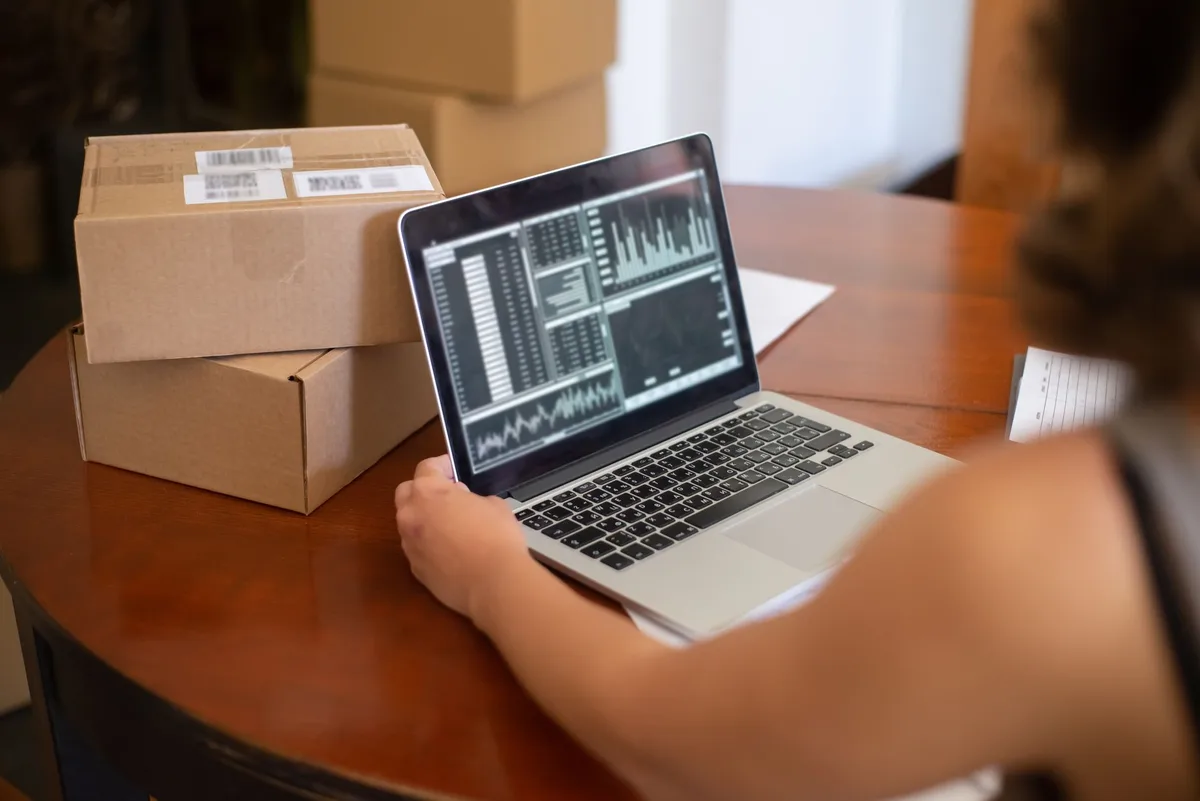
For sellers using third-party logistics (3PL) warehouses in the Klang Valley or Johor Bahru, many WMS tools offer a 3PL mode where the fulfilment centre operates the WMS while sellers retain visibility through a shared dashboard.
For a deeper look at WMS options for Malaysian sellers, see our WMS warehouse management system guide or browse the full ecommerce order management system hub.
Frequently Asked Questions
What is WMS warehouse management?
WMS warehouse management is the set of processes a warehouse management system runs to control stock movement inside a physical warehouse — receiving, putaway, picking, packing, shipping, and returns. In Malaysian ecommerce, a WMS connects to Shopee MY and Lazada MY so stock levels update automatically with each transaction, without manual spreadsheet intervention.
How much does a WMS cost for Malaysian ecommerce sellers?
WMS pricing in Malaysia ranges from approximately RM 150 to RM 2,000 or more per month. Entry-level tools with basic warehouse features start around RM 150–200 per month. Mid-tier platforms like Ginee and Sellercraft range from approximately RM 300–600 per month. Enterprise platforms like Anchanto require custom quotes, typically above RM 2,000 per month for multi-warehouse operations.
Do small ecommerce sellers in Malaysia need WMS warehouse management?
Sellers processing fewer than 50 orders per day across one or two marketplaces typically do not need a dedicated WMS. Marketplace apps and a basic inventory tool are sufficient at that scale. Once daily orders exceed 100 across Shopee MY and Lazada MY, fulfillment errors become frequent enough to justify the investment in structured warehouse management.
What is the difference between a WMS and an OMS for Malaysian sellers?
A WMS manages physical stock movement inside the warehouse — locations, picks, cycle counts, bin accuracy. An OMS manages the order lifecycle — capturing marketplace orders, routing them, and syncing tracking numbers back. Platforms like Ginee and Sellercraft combine both functions for Malaysian sellers who need a single system, while larger operations often use separate dedicated platforms for each layer.