
Shopee MY shows one stock number. Your spreadsheet shows another. The shelf holds a third.
Each number comes from a different system, and each is right by its own rules. A WMS is the system that decides which one you trust.

What Is a WMS System?
A WMS system (warehouse management system) is software that records where every product sits in your warehouse, tells staff what to pick for each order, and keeps the physical stock count accurate. It works alongside your marketplace shops, courier accounts, and accounting software. It does not replace them.
People search “WMS systems” in the plural because they rarely run just one. A typical Malaysian multichannel setup has a seller centre per marketplace, an order tool, courier accounts, accounting software, and sometimes a WMS.
The WMS is the only one that knows the building. It knows which bin holds which SKU, which units are damaged, and which cartons are still waiting to be put away. Everything else in the stack knows about orders and money.
You will also see it called warehouse management software or a WMS system. Same thing. This page covers how a WMS fits with the rest of your stack. For the buying decision, read our WMS software guide. For what it does on the shelf, read WMS system warehouse.
Which Other Systems Does a WMS Sit Beside?
A WMS sits beside four other systems in a Malaysian seller’s stack: marketplace seller centres, an order management system, courier platforms, and accounting software. The WMS owns physical stock. The others own orders, labels, and money. Blur those jobs and the numbers stop matching.
Five systems touch a typical multichannel order. Each has one job.
| System | What it owns | Malaysian examples | What it exchanges with the WMS |
|---|---|---|---|
| Marketplace seller centre | Listings, prices, buyer orders, payouts | Shopee Seller Centre, Lazada Seller Center, TikTok Shop Seller Center | Receives stock levels, sends new orders |
| Order management system (OMS) | One order queue across channels, order status, label requests | Ginee, BigSeller | Sends orders to pick, receives shipped confirmations |
| WMS | Bin locations, stock on hand, pick lists, counts, returns | Warehouse features in Ginee or BigSeller, Anchanto, ERP modules such as Odoo | Holds the physical truth |
| Courier platform | Labels, tracking, pickups, cash-on-delivery remittance | Ninja Van MY, J&T MY, Pos Laju | Receives parcel details, returns tracking numbers |
| Accounting software | Stock value, cost of goods, invoices | Xero, AutoCount | Receives stock movements and costs |
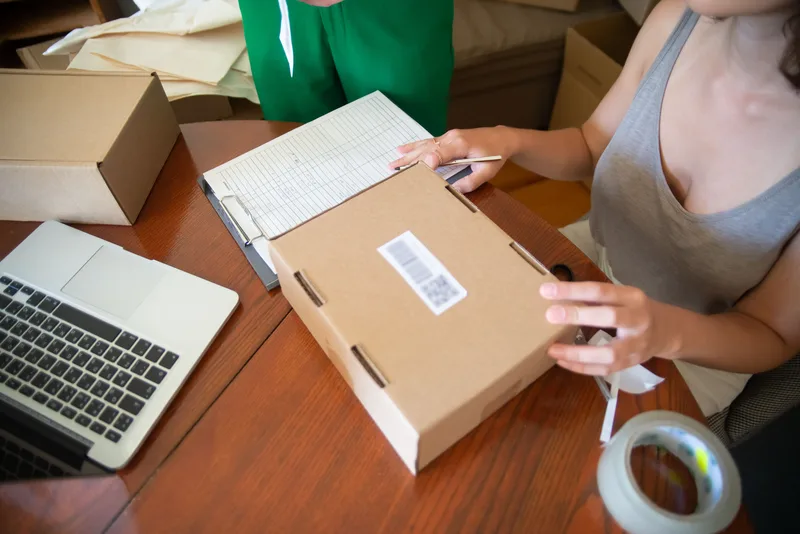
Small sellers often get several rows of that table from one login. Ginee and BigSeller are multichannel seller tools that bundle order and stock features, so the OMS and WMS can be tabs in the same dashboard. That is convenient. Check which warehouse features sit in the plan you would pay for, because bin locations and pick lists are what make it a WMS rather than a stock counter.
The jobs stay separate even when the login is shared. The next two sections show why that matters.
How Does a WMS System Stay in Sync With Shopee MY and Lazada MY?
A WMS stays in sync through each marketplace’s official open platform, which lets an authorised tool read orders and update stock on your shop. Sync speed and depth vary by vendor and plan, so time it in minutes on your own listings instead of trusting the word “real-time”.
Shopee and Lazada each run an open platform for third-party tools: the Shopee Open Platform and the Lazada Open Platform. You authorise the tool on your shop, and it uses those interfaces to pull new orders and push stock levels back.
Here is the loop for one order:
- A buyer orders on Shopee MY. The order reaches the OMS or WMS.
- The system reserves the units against a bin, so the stock available to sell drops.
- The new available number goes out to every connected channel, including Lazada MY and TikTok Shop.
- A picker follows the pick list, scans each item, and packs the parcel.
- The courier label prints, the tracking number returns to the marketplace, and stock on hand drops when the parcel ships.
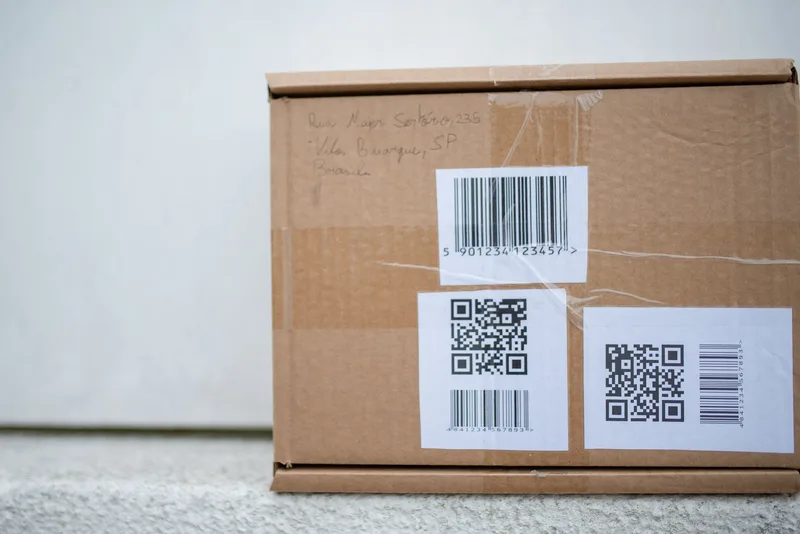
Three things break that loop most often:
- Sync lag. A sale on one channel has not reached the others when a second buyer orders the last unit. Campaign days expose this first.
- SKU mismatch. The same product carries different codes on each channel, or a bundle on one channel maps to loose items on another. The system cannot match what it cannot recognise.
- Lapsed connection. Some tools stop syncing until you re-authorise the shop, and they may not shout about it. Check the connection status of every channel on a regular schedule.
If a vendor says “real-time”, ask for the interval in minutes and then measure it yourself. Change a quantity on one channel, start a timer, and see when the other channels update.
Who Should Own Which Number in Your Stack?
Give each fact one owner. The WMS owns on-hand stock and bin locations, the marketplace or seller tool owns listings and prices, and accounting owns stock value. Trouble starts when two systems can both edit the same number, because the last edit wins and nobody knows which one was right.
Three stock numbers cause most of the confusion:
- On hand: units physically in your building. Change it only through receiving, picking, counts, and returns.
- Reserved: units promised to open orders that have not shipped yet.
- Available to sell: on hand minus reserved. This is the number the marketplaces should show, and your system should calculate it, not the channels.
Two habits break that ownership. The first is editing a quantity by hand in a seller centre “just this once”, which the next sync may overwrite or, worse, push to every other channel. The second is leaving an old tool connected to your shops after you move to a new one, so two systems both write stock and disagree.
Pick one writer for stock. Disconnect anything else that can change it.

Stock that sits outside your building needs its own line. Units at a 3PL, or in a marketplace’s own fulfilment centre, will never show up in your bins. Track them as a separate location, not inside your main count, or your on-hand number will look wrong every time a transfer is in transit. Our fulfilment and 3PL guide covers when outsourcing makes sense.
One more owner question: buyer data. Pick lists and labels carry names, phone numbers, and addresses. These are personal data under Malaysia’s Personal Data Protection Act 2010, so limit who on your team can see them and ask each system where it stores them. The Personal Data Protection Department publishes current guidance.
Which Kind of WMS System Fits Your Setup?
Malaysian sellers run a WMS in four ways: as a module in a multichannel seller tool, as a dedicated ecommerce WMS, as a module in an ERP, or as the system a 3PL runs for them. Choose by where your stock physically sits and how many locations you run, not by feature count.
| Setup | Fits when | Stock visibility | Watch out for |
|---|---|---|---|
| Seller-tool module (Ginee, BigSeller) | One warehouse, mostly marketplace orders | Full, in your own dashboard | Warehouse features can differ by plan |
| Dedicated ecommerce WMS (Anchanto) | Several locations, or you fulfil for other brands | Full, per location | A sales process and an implementation project |
| ERP module (Odoo, NetSuite, SAP) | Purchasing and accounting already run in the ERP | Full, inside the ERP | Marketplace connectors are often extra |
| 3PL’s own WMS | You outsource storage and packing | Through the 3PL’s portal or a connection | How often it updates your channels |
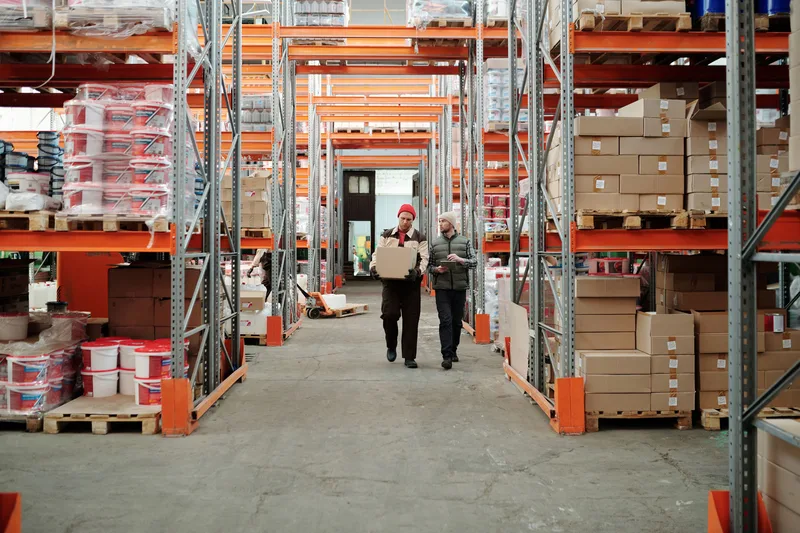
Start with where the stock is. Your own room points to a seller-tool module. Several buildings, or work for other brands, points to a dedicated WMS. An ERP that already runs your purchasing points to asking your ERP partner for a marketplace connector quote before you add a second system. Stock in someone else’s building means you are using their WMS, so the question changes to how quickly they report differences and how often they update your channels.
If one person handles the shelf and counts rarely drift, a seller tool’s stock feature or a tidy sheet still works. Move up when the same mistakes keep repeating: oversold orders after campaigns, pickers who cannot find items, two people who disagree on the count. For costs and a trial checklist, see WMS software in Malaysia.
Frequently Asked Questions
What is the difference between a WMS and an OMS?
An OMS (order management system) handles orders: it collects them from every channel, tracks their status, and requests courier labels. A WMS handles physical stock: bin locations, pick lists, receiving, counts, and returns. Many Malaysian seller tools sell both in one subscription, so the two can look like one product, but the jobs are different and worth checking separately when you compare plans. Our order management system guide covers the order side.
Can one WMS system connect to Shopee MY, Lazada MY and TikTok Shop at the same time?
Often yes, either directly or through a multichannel seller tool that sits in front of the WMS. Support differs by vendor and by plan, especially for TikTok Shop, so ask for the exact channels you sell on. Then test with a live listing on each channel and time how long a stock change takes to appear elsewhere.
Do I need a separate WMS for each warehouse?
No. One WMS should hold every location you run, with each warehouse kept as its own stock pool. What you need to confirm is that the plan you would pay for supports more than one location, and that it can show stock per location as well as in total.
What happens to my stock numbers if the WMS goes offline?
Orders keep arriving on the marketplaces, but stock updates between systems stop or lag. That is when overselling risk rises. Fulfil from each seller centre’s own order list until the WMS is back, then run a count on your fastest-selling items to reset the numbers before you turn full sync back on.
Keep Reading
- WMS Software in Malaysia: Types, Costs, and What to Test: the buying guide, with costs and a trial checklist
- WMS System Warehouse: What It Does on Your Shelves: location codes, stock states, and pick routes
- WMS Management System: How It Works: core functions and marketplace sync explained
- What Is an Order Management System? Malaysian Sellers Guide: where the order side of your stack sits
- Ecommerce Order Management Systems: the full hub for Malaysian sellers on Shopee MY, Lazada MY, and TikTok Shop