
Your best packer knows where the phone cases are. Then your best packer takes a week off.
A WMS system moves that knowledge out of people’s heads and into a warehouse map every picker can follow, on any shift.
What Is a WMS System in a Warehouse?
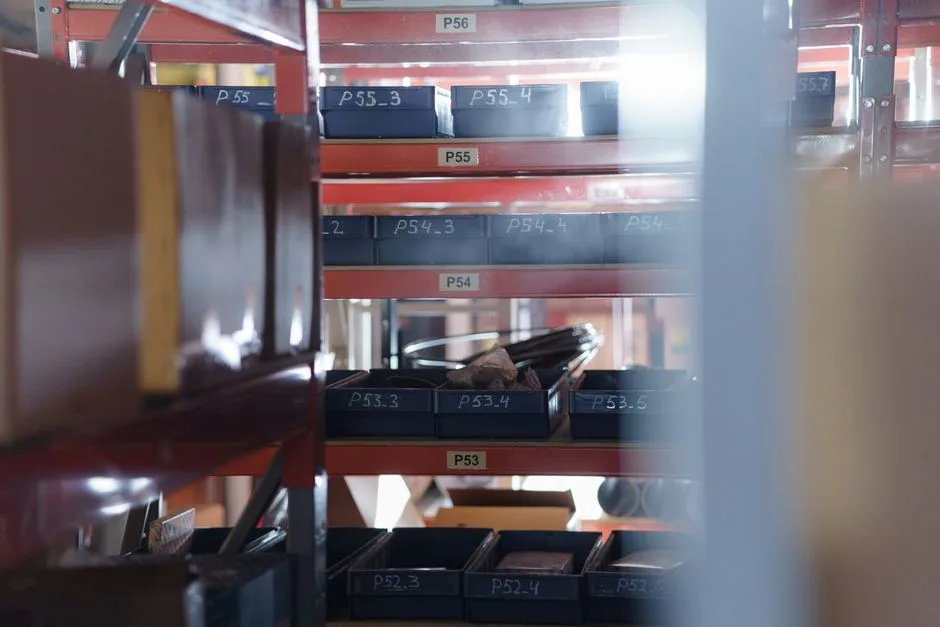
A WMS system (warehouse management system) is software that keeps a digital map of your warehouse. Every shelf and bin has a code, every SKU has an address, and every stock movement is scanned and logged. Staff and software then share one answer to “where is it, and how many are there?”
A WMS system warehouse setup has three working parts:
- The map. Codes for every zone, aisle, rack, level, and bin.
- The rules. Where new stock goes, and which route a picker walks.
- The scans. Barcode reads that keep the map in step with what is physically on the shelf.
An inventory app is different. It tells you how many units of a SKU you own. A WMS also tells you where those units sit, what state they are in, and who moved them last.
| Question | Spreadsheet or seller centre | WMS system |
|---|---|---|
| Where is this SKU? | Whoever packed it last knows | A bin code, such as B-03-2-04 |
| How many can I sell right now? | Total on hand | On hand, minus units reserved for orders or on hold |
| Who moved this stock? | No record | A scan log with user and time |
| Which way should the picker walk? | The picker’s memory | A pick list sorted by location |
The WMS sits next to your order system, not instead of it. An order management system pulls Shopee MY, Lazada MY, and TikTok Shop orders into one queue. The WMS turns each order into a walk through the building. Still choosing? Our WMS software guide covers the three types and their costs.
How Does a WMS Turn Your Building Into a Map of Locations?
A WMS breaks the building into levels: warehouse, zone, aisle, rack level, and bin. Each level gets a short code and a printed label, so every SKU ends up with an address such as B-03-2-04. Pickers scan the code instead of searching from memory, and the system always knows what sits where.
Here is how one address reads, using an example layout:
| Level | Example code | What it means |
|---|---|---|
| Zone | B | Small, fast-moving items near the packing table |
| Aisle | 03 | The third aisle in that zone |
| Rack level | 2 | The second shelf up from the floor |
| Bin | 04 | The fourth bin along that shelf |
Together they read B-03-2-04. These codes are examples. Your own scheme only has to be consistent.
Rules that hold up in practice:
- Order the code the way people walk. Zone first, then aisle, then level, then bin. Pick lists sort in that order.
- Number in the walking direction. If aisle 03 sits at the far end but comes second in the code, the sorted pick list sends pickers zigzagging.
- Label the shelf edge and the bin. A scanner reads the shelf-edge label. The bin label lets a person confirm they are in the right place.
- Keep product names out of location codes. Products change. Locations do not.
- Treat each mezzanine floor as its own zone. Many Malaysian sellers work from a shophouse or a small industrial unit, and a stair between two floors is a real walking cost.
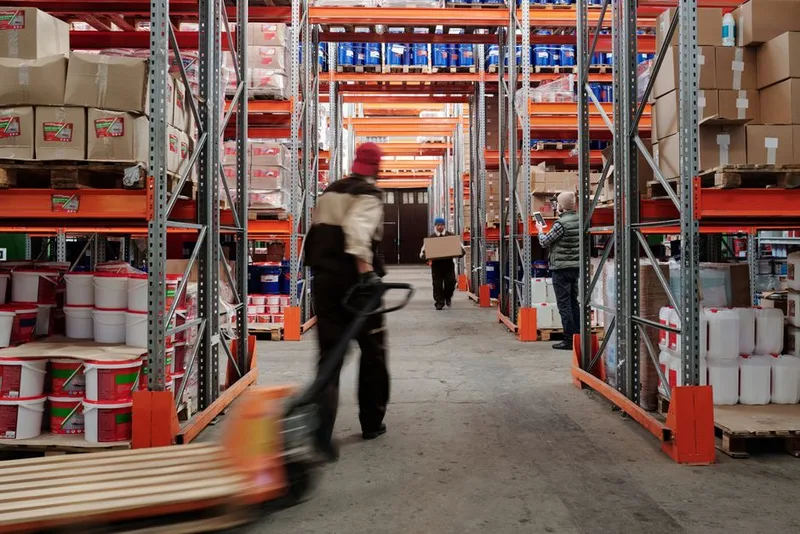
Decide early whether a bin holds one SKU or several. Single-SKU bins cut picking mistakes, because each address points to one product. Mixed bins save space in a tight unit, but they need a scan on the item as well as the bin.
What Stock States Does a WMS Track Inside the Warehouse?
A WMS tracks the state of each unit, not just the count: received but not put away, available to sell, allocated to an order, packed and waiting for a courier, or on hold. Only available units should count toward what Shopee MY, Lazada MY, and TikTok Shop can sell. That split is what stops one physical unit being sold twice.
Without states, one number does all the work: “on hand.” That number is wrong for hours at a time. A carton on the receiving dock counts as stock but cannot be picked yet. A parcel packed for Ninja Van MY still sits in your count if nobody deducted it.
| State | What it means | Counts as sellable? |
|---|---|---|
| Received | Arrived at the dock, not yet put into a bin | No |
| Available | Sitting in a pick bin and free to sell | Yes |
| Allocated | Reserved for an order, not yet picked | No |
| Packed | Picked and boxed, waiting for courier pickup | No |
| On hold | Damaged, returned, or awaiting inspection | No |
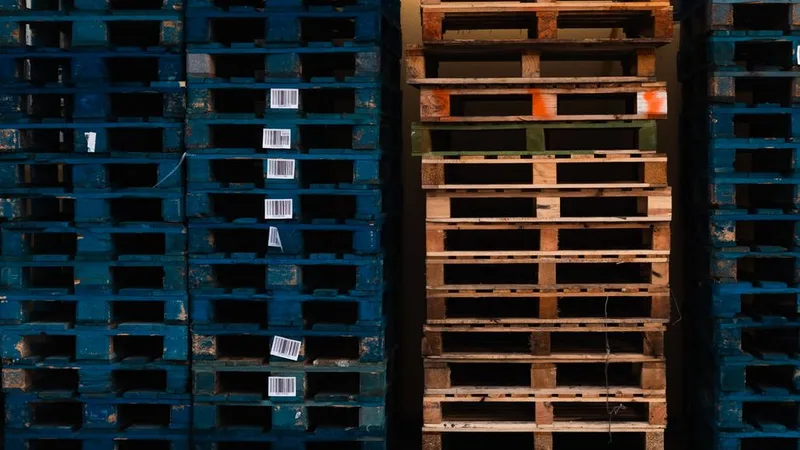
How quickly these states reach each marketplace depends on the product’s integration. Ask a vendor for the delay in minutes, not the word “real-time.”
Two habits make the states useful:
- Give returns their own hold location. A returned parcel should not slide back into a pick bin until someone has checked it.
- Set up one outbound staging spot per courier. For example, one each for Ninja Van MY, Pos Laju, and J&T MY. Scanning parcels into the right spot before pickup gives you a record of what left the building and when.
How Does a WMS Decide Where Stock Goes and How Pickers Walk?
A WMS uses slotting rules to choose a bin when stock arrives, usually based on how fast the SKU sells, its size and weight, and whether it is fragile or has an expiry date. It then sorts each pick list by location so the picker walks the aisles in one pass. Good slotting shortens the walk between picks.
Slotting rules are the instructions behind that choice. The common ones:
- Velocity. Put the SKUs that appear in the most orders closest to the packing table. A common rule of thumb says a small share of SKUs account for most orders. Your own sales report shows which ones they are.
- Size and weight. Heavy and bulky items low and near the dock. Small, light items higher up.
- Fragility. Keep breakable items out of busy aisles and never under heavy stock.
- Expiry. For supplements, skincare, or food, pick the earliest-expiring batch first. This is called FEFO, first expired first out. Ask whether the WMS tracks batch and expiry dates, because not every seller-tool module does.
Once stock has an address, the pick method decides how people walk to it:
| Method | How it works | Best fit |
|---|---|---|
| Single-order | One picker collects one order at a time | Low order volume, one or two pickers |
| Batch | One picker collects several orders in one walk, then sorts them at packing | Many small orders that share SKUs |
| Zone | Each picker stays in one zone, and partial orders are combined at packing | A larger floor with several pickers |
Start with single-order picking. Move to batch picking when the same SKUs appear across many orders in a day, as they do around a Shopee MY campaign such as 9.9 or 11.11. Zone picking needs enough people to cover every zone, so it comes last.
The WMS only helps if the walk matches the codes. Walk your aisles once with a printed pick list before go-live, and fix any numbering that sends people backwards. For the full receiving-to-shipping flow, read our WMS warehouse management guide.
What Does Your Warehouse Need Before a WMS Can Run?
A WMS is only as accurate as the labels and scans feeding it. Before go-live you need one unique code per sellable variant, labelled bins, a way to scan, Wi-Fi that reaches the back shelves, and a clean opening count. Software cannot assign a location that has no label, or correct a count nobody trusts.
Work through this list before you load a single SKU:
- One code per sellable variant. A T-shirt in three sizes is three SKUs. Give each a unique code and a barcode. Use the supplier’s barcode when the product already has one. For everything else, print internal labels.
- Labelled locations. Print and fix labels on shelf edges and bins first. The system cannot direct a picker to a shelf that has no name.
- A way to scan. A phone camera can work at low volume. A handheld scanner is faster and less tiring on busy days. Ask which devices the WMS supports before you buy any hardware.
- Wi-Fi at the shelves. Walk to the furthest aisle with a phone and load a page. A dropped connection at the back rack means missed scans, so ask what the app does offline.
- An opening count. Count every bin once, load the numbers, and name one person who can approve stock adjustments. Without a single owner, corrections drift.
- One rule for staff. No stock moves without a scan. A single unscanned move breaks the map for the next picker.

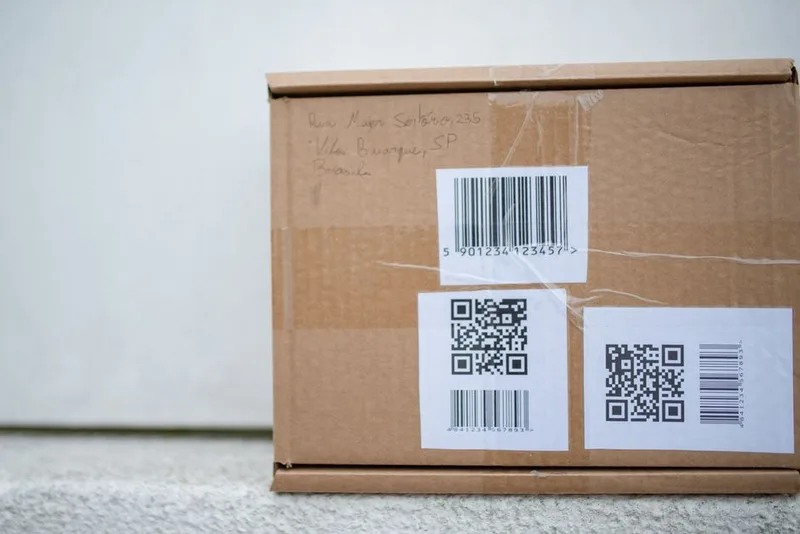
Roll the system out one zone at a time. Label a zone, count it, load it, and run a day of picks there before you move on.
If the shelves themselves are the problem, fix that first with our warehouse system guide and warehouse racking guide. To compare tools available in Malaysia, start with the warehouse management system guide.
Frequently Asked Questions
What does a WMS system do in a warehouse?
A WMS system gives every location a code, tells staff where to store incoming stock, builds pick lists sorted by location, and logs every stock movement. It answers three questions at any moment: where is it, how many are there, and what state is it in. Most Malaysian sellers use one that also updates stock on Shopee MY, Lazada MY, and TikTok Shop.
Do I need barcodes to run a WMS?
Not strictly, since some systems let staff type a code or pick from a list. But scanning is what keeps counts accurate, because it removes typing errors and turns every move into a recorded event. Products from suppliers often carry a barcode already. For items without one, print internal labels for the item and for the bin.
Can a small shophouse or rented unit use a WMS?
Yes. The location map works at any size, even one room with six shelves. The gain comes from labelled bins and scan discipline, not from a big floor. If you run one small warehouse and mostly marketplace orders, a warehouse module inside a seller tool is often enough. Dedicated platforms such as Anchanto suit multiple sites or third-party fulfilment, which our fulfilment and 3PL guide covers.
Is a WMS the same as an order management system?
No. An order management system collects orders from Shopee MY, Lazada MY, and TikTok Shop, prints labels, and sends tracking numbers back. A WMS runs the physical side: locations, putaway, pick routes, and counts. Many seller tools combine both in one subscription, so check which warehouse features are included in the plan you would buy.
Will a WMS stop overselling on Shopee MY and Lazada MY?
It reduces overselling when scans are consistent and the channel sync is fast. A WMS separates sellable stock from allocated and held stock, then pushes the sellable figure to each channel. Overselling still happens when a channel updates slowly or when staff move stock without scanning. In a trial, change stock on one channel and time, in minutes, how long the others take to follow.
Keep Reading
- Warehouse Management System: Operations Guide for Malaysia: the core WMS features and how to decide if you need one
- WMS Software in Malaysia: Types, Costs, and What to Test: three types of WMS software and a seven-step trial
- WMS Warehouse Management: How It Works: receiving, pick and pack, and inventory accuracy step by step
- Warehouse System Malaysia: Software, Racking, or Outsource?: what to fix on the shelf before you buy software
- Ecommerce Order Management Systems: how WMS fits with order processing across Shopee MY, Lazada MY, and TikTok Shop