
A customer buys your last unit on Shopee MY. Ten minutes later, another customer buys the same unit on Lazada MY. An inventory perpetual system closes that gap: it updates your stock after every sale, return, and supplier delivery, not once a month. Here is how it works and how to set one up.

What Is an Inventory Perpetual System?
An inventory perpetual system (also called a perpetual inventory system or continuous inventory system) tracks stock by updating the record every time stock moves. A sale, a return, a supplier delivery, a transfer, or a write-off each changes the count. Your book figure and the shelf figure should match at any moment, not only on count day.
The arithmetic is simple. Per the standard definition of perpetual inventory, opening stock plus receipts minus shipments equals closing stock. The opening number usually comes from a physical count, and every transaction after that adjusts it.
The opposite approach is a periodic inventory system. It keeps no running record. You count stock at the end of a period, then work backwards to find out how much you sold.
Two things make this matter for Malaysian sellers:
- One unit, several channels. Selling on Shopee MY, Lazada MY, and TikTok Shop MY means the same unit can sell in three places at once. Only a record kept in one place shows that.
- Margin per order. A perpetual system books the cost of each unit at the moment it sells, so you see what an order earned, not just what the year earned.
For how this fits into your wider operations, see the ecommerce inventory management hub.
Perpetual vs Periodic Inventory: What Actually Changes
| Perpetual system | Periodic system | |
|---|---|---|
| Stock record updated | After every transaction | At the physical count |
| Cost of goods sold | Booked at each sale | Worked out at period end |
| Oversell risk across channels | Low when connected to every channel | High, because counts go stale |
| Daily effort | Higher: every movement is recorded | Low |
| Effort at count time | Smaller: you check a record that is nearly right | Large: the count is the record |
| Best fit | Two or more channels, growing SKU list | One channel, small catalogue |
Neither one is wrong. A seller with one Shopee MY shop and a short product list can run on periodic counts for a long time. The trouble starts when you add a second marketplace. Now two dashboards each think they own the stock, and a count taken on Sunday is out of date by Monday afternoon.
A quick test tells you which side you are on. Pick any SKU and ask how many units you hold right now, without walking to the shelf. If you can answer from a record you trust, you run a perpetual system. If you have to go and count, you run a periodic one, however tidy your spreadsheet looks.
How an Inventory Perpetual System Works
Every stock movement becomes a transaction, and each transaction changes the running count:
- Receive. Stock arrives from your supplier. Count it, scan or type it in, and add it to the record.
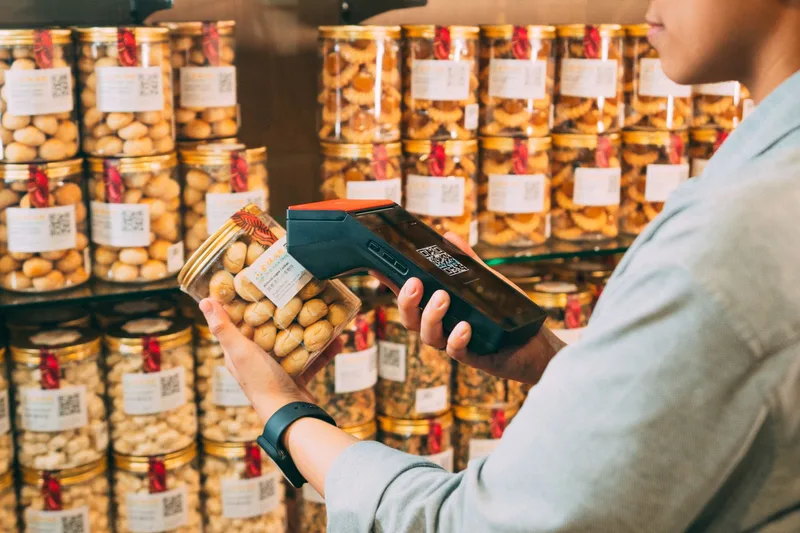
- Sell. An order lands on Shopee MY, Lazada MY, or TikTok Shop MY. The record deducts the units and, if your tool is connected, passes the new count to the other channels.
- Ship. The parcel goes out with a courier such as Ninja Van MY, J&T Express MY, or Pos Laju. Decide whether stock leaves the record at order or at dispatch, and use the same rule on every channel.
- Return. A returned or failed-delivery parcel comes back. Inspect it, then either put it back into sellable stock or write it off as damaged.
- Adjust. After a count, correct any gap between the record and the shelf, and write down why it happened.
A worked example
The figures below are illustrative, made up to show the mechanics. They are not real seller data.
Suppose you buy 100 units at RM 20 each, so RM 2,000 of stock. You sell 30 of them at RM 45 on Shopee MY. Later a count finds 68 units on the shelf instead of 70. Two are missing.
| Perpetual | Periodic | |
|---|---|---|
| Stock after the sale | 70 units on the record | Not known until the count |
| Cost of goods sold | RM 600, booked when the 30 sold | RM 640, worked out at the count |
| The 2 missing units | Shown as an RM 40 variance to investigate | Hidden inside cost of goods sold |
The periodic figure is not wrong, just blunt. RM 40 of lost stock looks like RM 40 of extra cost, and you cannot tell which orders caused it. The perpetual record shows the gap on its own line, so you can look for the cause: a wrong variant packed, a damaged unit, an unrecorded return.
Behind these numbers sits one more choice: how you value units bought at different prices. The accepted methods are FIFO (first in, first out) and weighted average cost. LIFO is prohibited under the international inventory standard, per this IAS 2 summary. Malaysia’s MFRS 102 Inventories follows the same international standard, so ask your accountant which method your books use, then make your inventory tool match it.
Where a Perpetual System Goes Wrong
A perpetual record is only as good as the movements fed into it. It shows what it has been told, not what is physically on the shelf. When the two drift apart, you get phantom inventory (the record says you have stock, the shelf is empty) or missing inventory (the reverse). The perpetual inventory overview lists theft, breakage, scanning errors, and untracked movements as the usual causes.
For a multi-channel Malaysian seller, the common leaks look like this:
- Unmapped variants. A size or colour has one SKU on Shopee MY and a different one on Lazada MY. A sale deducts from the wrong line.
- Returns not booked. A returned parcel sits in a corner. The record never gets the unit back, or a damaged unit goes straight back onto sellable stock.
- Wrong item packed. The packer sends the wrong variant, but the record says the right one left.
- Bundles and free gifts. A combo listing deducts one bundle but not the individual items inside it.
- Stock leaving without an order. Influencer samples, giveaways, and staff purchases move stock with no marketplace order to trigger a deduction.
- Sale-event spikes. During 11.11 and 12.12, orders arrive faster than anyone can update a manual record. If you use a synced tool, ask the vendor how it behaves at peak volume.
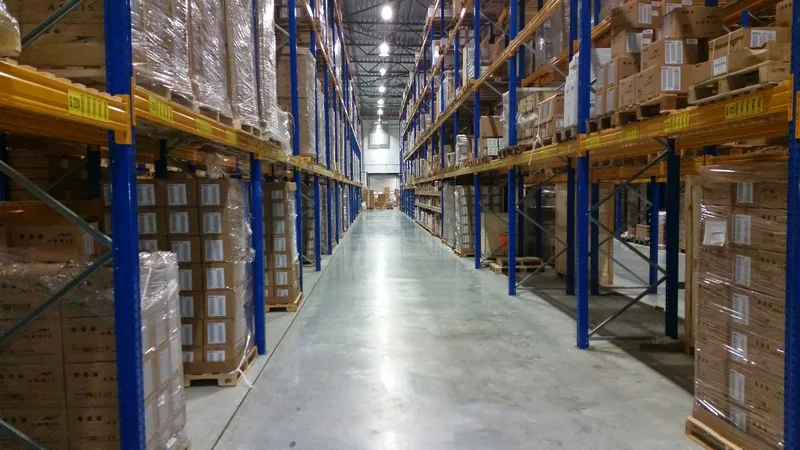
The standard fix is cycle counting. Instead of stopping the business for one big count, you count a small slice of stock on a rolling schedule. It is usually paired with ABC analysis, which counts high-value or fast-moving items more often than slow ones. A workable starting point is to count top sellers weekly, mid-range items monthly, and slow movers quarterly, then adjust to your own volume.
At each count, compare the record to the shelf. If they differ, correct the record and note the reason. The same SKU going wrong repeatedly points to a process problem, not bad luck.
Once the record is trustworthy, ratios such as inventory turnover start to mean something. On a stale record they mislead.
How to Set Up an Inventory Perpetual System for Shopee MY and Lazada MY
- Do one full baseline count. Pick a quiet day and count everything by variant. This is your opening balance, and every later transaction builds on it.
- Fix your SKUs. Give each variant one unique SKU, and use the exact same SKU on Shopee MY, Lazada MY, TikTok Shop MY, and in your supplier sheet.
- Choose one source of truth. For a single channel, a spreadsheet works; our Excel inventory guide covers the setup. For two or more channels, a synced app such as Ginee or Sellercraft removes the manual step. The inventory programs guide and the Malaysia software guide compare the options. Check each vendor’s own documentation for Shopee MY and Lazada MY support before you commit.
- Record every movement the same day. Receiving, dispatch, returns, damages, samples. Scan barcodes where you can, because manual typing is an easy place for mistakes to slip in.
- Set reorder points from the record. Use the reorder point calculator and the safety stock calculator with your own sales and supplier lead-time data. A reliable record makes those inputs reliable too.
- Schedule cycle counts and review the gaps. Put the counts on a calendar and look at what caused each variance.
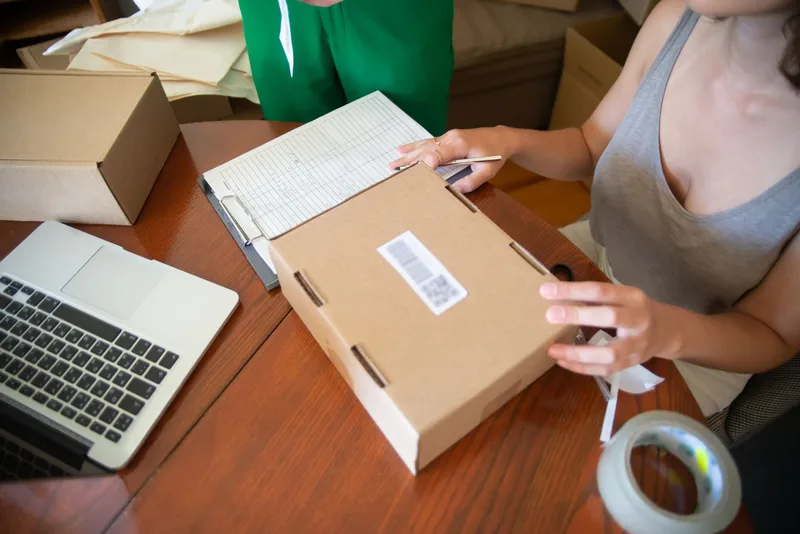
Start small if you need to. A tidy spreadsheet updated after every single order is still a perpetual system. The system is the habit of recording every movement, and software only makes that habit cheaper to keep.
Frequently Asked Questions
What is an inventory perpetual system?
An inventory perpetual system is a way of tracking stock where the record is updated every time stock moves: a sale, a return, a supplier delivery, or a write-off. Your book count should match the shelf at any moment, not only on count day. It is also called a perpetual inventory system or a continuous inventory system.
What is the difference between perpetual and periodic inventory?
A perpetual system updates the stock record after every transaction. A periodic system keeps no running record and works out stock and cost of goods sold only when you count, usually at the end of a period. For a seller on Shopee MY and Lazada MY, that means periodic counts go stale between counts, while a perpetual record stays current.
Do I need barcode scanners to run a perpetual inventory system?
No. A perpetual system is a habit of recording every stock movement, and you can do that in a spreadsheet or a synced app. Barcode scanning helps because it removes manual typing at receiving and packing, which is where many record errors start, but it is optional for small catalogues.
Can I run a perpetual inventory system in Excel or Google Sheets?
Yes, for a single channel with a short SKU list, as long as you update the sheet after every order, return, and delivery. Once you sell on two or more marketplaces, keeping a sheet current by hand becomes the weak point, and most sellers move to a synced app such as Ginee or Sellercraft.
If my system is perpetual, do I still need to count stock?
Yes. A perpetual record shows what it has been told, not what is physically on the shelf. Cycle counts, where you count a small slice of stock on a rolling schedule, catch theft, breakage, and unrecorded movements. Ask your accountant whether you also need a full count at financial year-end.